Keeping your address accurate in the NPI Registry is vital for healthcare providers. An incorrect practice location or mailing address can lead to claim denials, credentialing delays, and confusion for patients trying to locate your services. Regular updates to your NPI registry ensure compliance with CMS requirements and maintain the reliability of your professional information.
The Centers for Medicare & Medicaid Services (CMS) requires providers to update their NPI information within 30 days of any change. This guide walks you through the process of changing your address on the NPI Registry using the NPPES system in a simple and compliant way.
Why Updating Your NPI Address Is Important
Accurate address information is essential for:
- Regulatory Compliance: CMS uses NPI data to verify provider identity, process claims, and maintain national healthcare records. Outdated addresses can lead to audits or compliance issues.
- Billing Accuracy: Insurance payers rely on accurate NPI data to process claims. Incorrect addresses may result in claim rejections or delayed reimbursements.
- Patient Access: Patients and referral partners use the NPI Registry to confirm your practice location. An up-to-date address ensures patients can find and contact you without confusion.
Types of Addresses in the NPI Registry
The NPI Registry includes two key address types that providers must maintain:
1. Business Mailing Address
- Used for official correspondence.
- Can include a PO Box.
- Does not need to be the physical location where services are provided.
2. Practice Location Address
- The physical location where patient care occurs.
- PO Boxes are not allowed.
- A valid phone number is required.
Step-by-Step Guide to Change Your Address on the NPI Registry
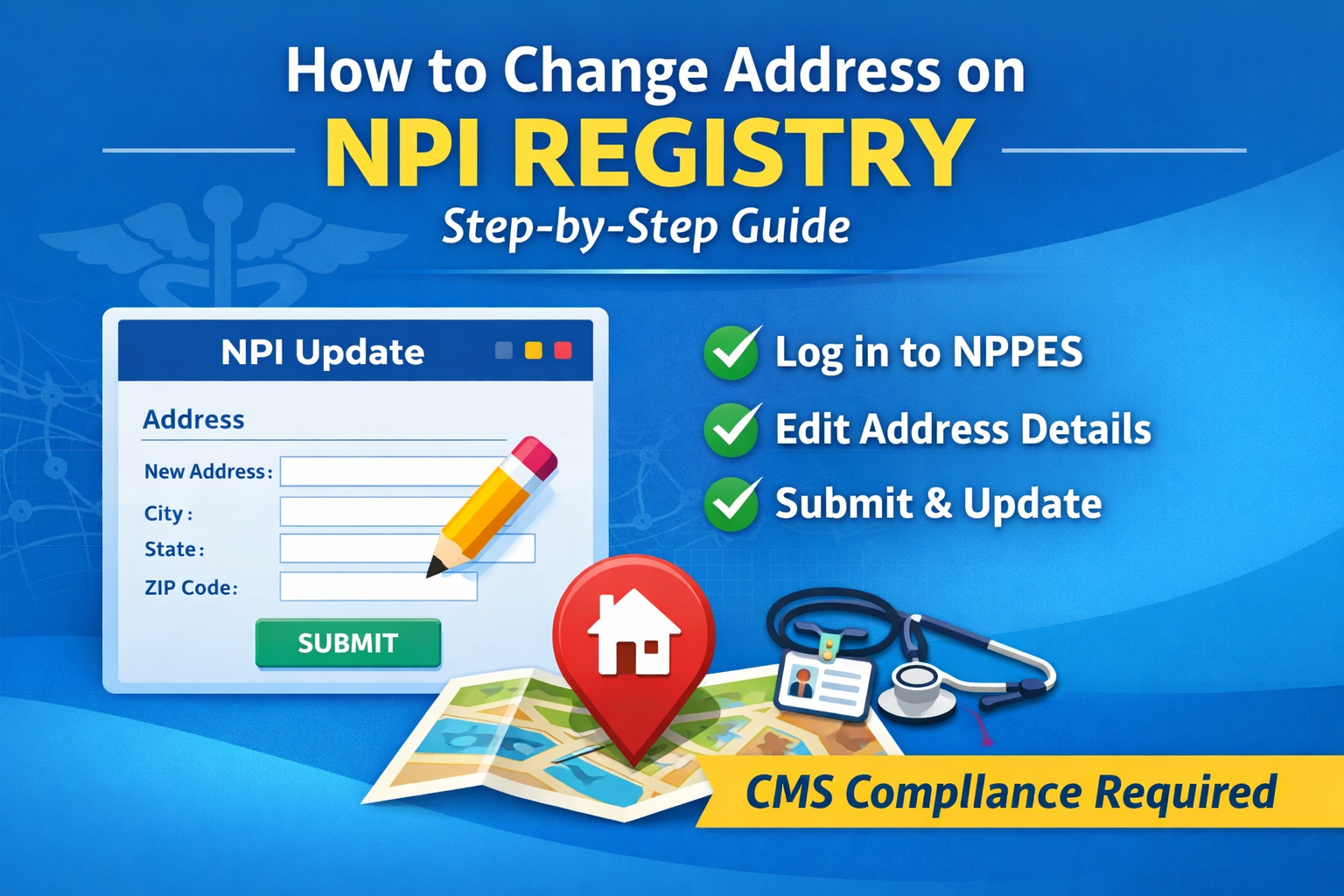
Step 1: Log in to the NPPES Portal
- Visit the official NPPES website: https://nppes.cms.hhs.gov.
- Click Login and sign in using your CMS Identity & Access (I&A) credentials.
Step 2: Select the Correct NPI
- If you manage multiple NPIs (e.g., for group practices or multiple providers), select the correct individual or organization NPI from your dashboard.
Step 3: Edit Your NPI Profile
- Click the Edit option or pencil icon next to the NPI record to begin making changes.
Step 4: Update Address Information
- Navigate to the Address section.
- Update the Business Mailing Address or Practice Location Address as needed.
- Carefully enter the street address, city, state, ZIP code, and phone number where required.
Step 5: Review and Submit
- Review all updated information for accuracy.
- Certify that the information is correct.
- Submit the changes through the system.
How Long Does It Take for Address Changes to Update?
Most NPI address updates are reflected in the public NPI Registry within 24 hours. However, processing may take slightly longer during periods of high system activity. You can confirm the update using the public NPI lookup tool.
Common Problems and How to Avoid Them
1. Missing or Incorrect Information
- Address updates may fail if required fields are left blank or if the ZIP code does not match the city and state.
- Ensure the practice location includes a valid phone number.
2. Access Issues
- Only authorized officials or delegated users can update NPI information.
- If you cannot access the NPPES portal, verify your permissions through the CMS Identity & Access system.
CMS Compliance Reminder
CMS requires all healthcare providers to update their NPI information within 30 days of any change. Staying compliant helps avoid administrative issues, payment delays, and credentialing complications.
Final Thoughts
Updating your address on the NPI Registry is a simple but critical task. Regularly reviewing your NPI profile ensures accurate billing, uninterrupted patient access, and full CMS compliance. If you’ve recently moved or changed locations, log in to NPPES today and verify your information before issues arise.


No comment